
IP video kits
Network kits with camera, monitor and Hik-Connect. Compare models and box contents.
Browse kits ↗Hikvision / IP / 2-wire / analogue
Start with a complete kit for your home. We compare IP, two-wire and analogue systems by wiring, communication and access. Monitors, door stations and accessories are chosen to work together.
Hikvision video
Complete kits first, followed by monitors, door stations and accessories. We check compatibility when designing the system.
Network kits with camera, monitor and Hik-Connect. Compare models and box contents.
Browse kits ↗For suitable two-wire cabling. We check system generation and existing wiring before design.
Browse kits ↗4-wire hybrid DS-KIS313-P with HD-TVI video and Hik-Connect. We check original-model availability or a suitable replacement.
Browse kits ↗An extra indoor station or a replacement monitor. We check compatibility and power.
Browse kits ↗A gate camera or a modular shared entrance panel. Buttons, access and mounting are matched to the property.
Browse kits ↗Mounting frames, rain covers, credentials, power supplies, distributors and PoE switches are selected with the system.
Browse kits ↗01 / Hikvision Hikvision
Three needs: PIN keypad, included PoE switch or face recognition. The dedicated category contains all ten IP kits and their comparison.
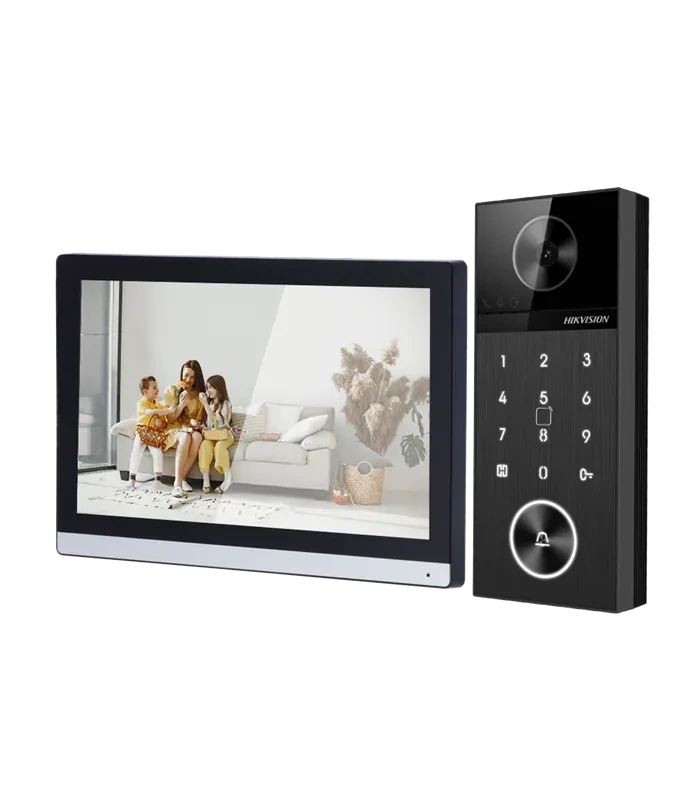
For PIN or RFID entry. The kit combines a 4 MP camera, numeric keypad and 7″ monitor, with Hik-Connect and two lock control relays.
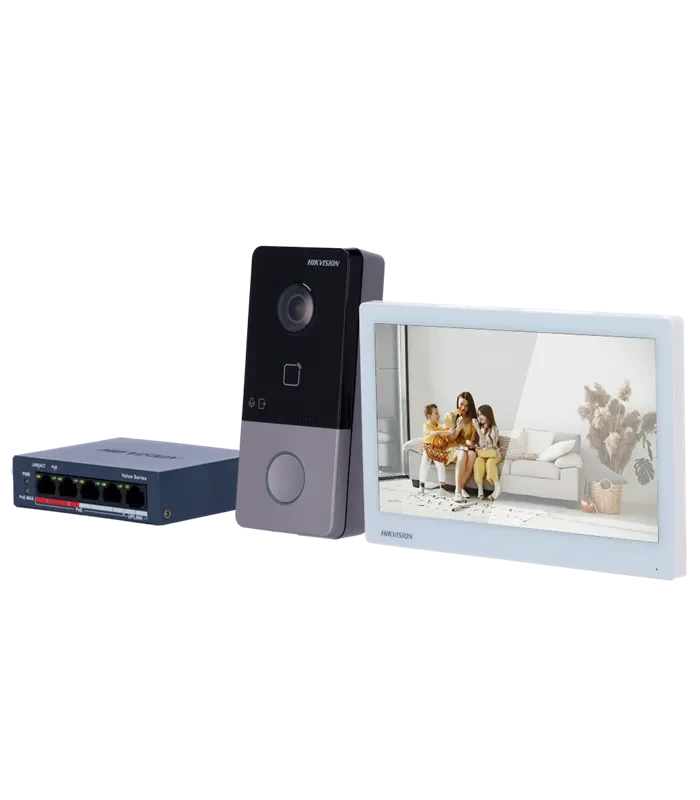
A 2 MP camera and a 7″ monitor for a house or small office. A PoE switch and 32 GB card are included, for a planned PoE-powered network.
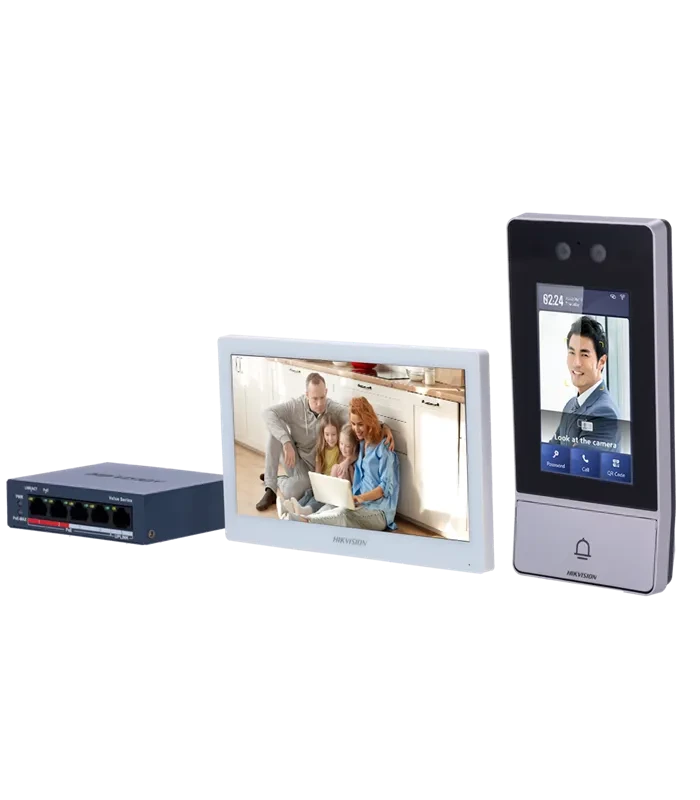
For face, PIN or RFID entry. The outdoor terminal has its own 4.3″ display and the indoor monitor is 7″. A PoE switch and 32 GB card are included in the base kit.
No matching kit is listed. Send us your requirements.
Price and availability on request. Exact regional revision, box contents and lock control are confirmed in the quote.
IP / 2-wire / analogue
Selected IP kits compared. Two-wire and analogue kits use different technologies; selection starts with the wiring.
| Kit | Indoor monitor | Camera | Included power | Access |
|---|---|---|---|---|
| DS-KIS612-P | 7″ | 4 MP | 2× 12 V adapter | PIN keypad |
| DS-KIS607-S | 7″ | 2 MP | PoE switch + PSU | RFID |
| DS-KIS902-S | 7″ | 2 MP | PoE switch + PSU | Face recognition |
Hikvision
Illustrative visualizations use product references from this page. They show possible placement, not photos of our installations or exact box contents.
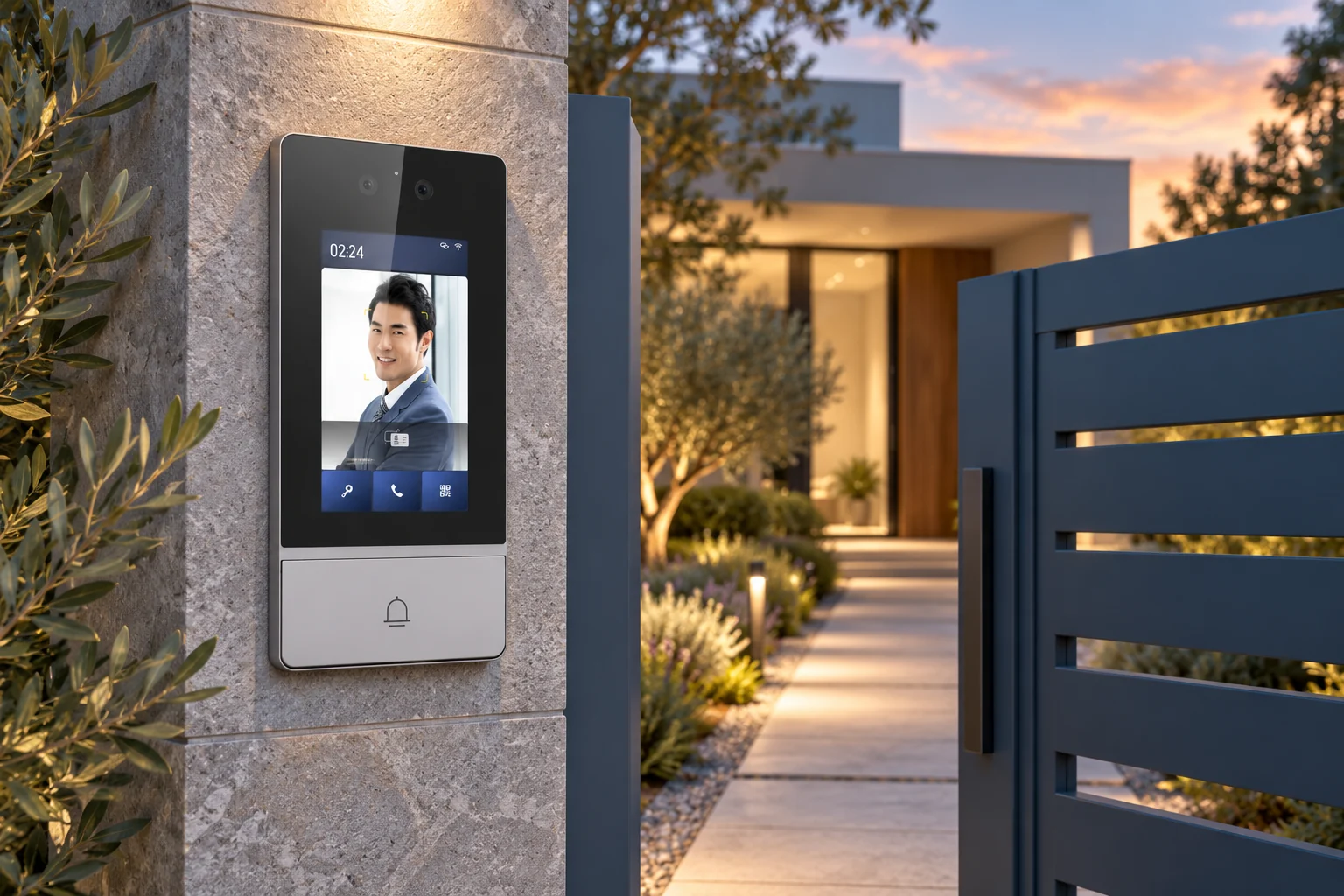
A house entrance idea: a door station with display beside the gate. Access methods are selected for your needs.
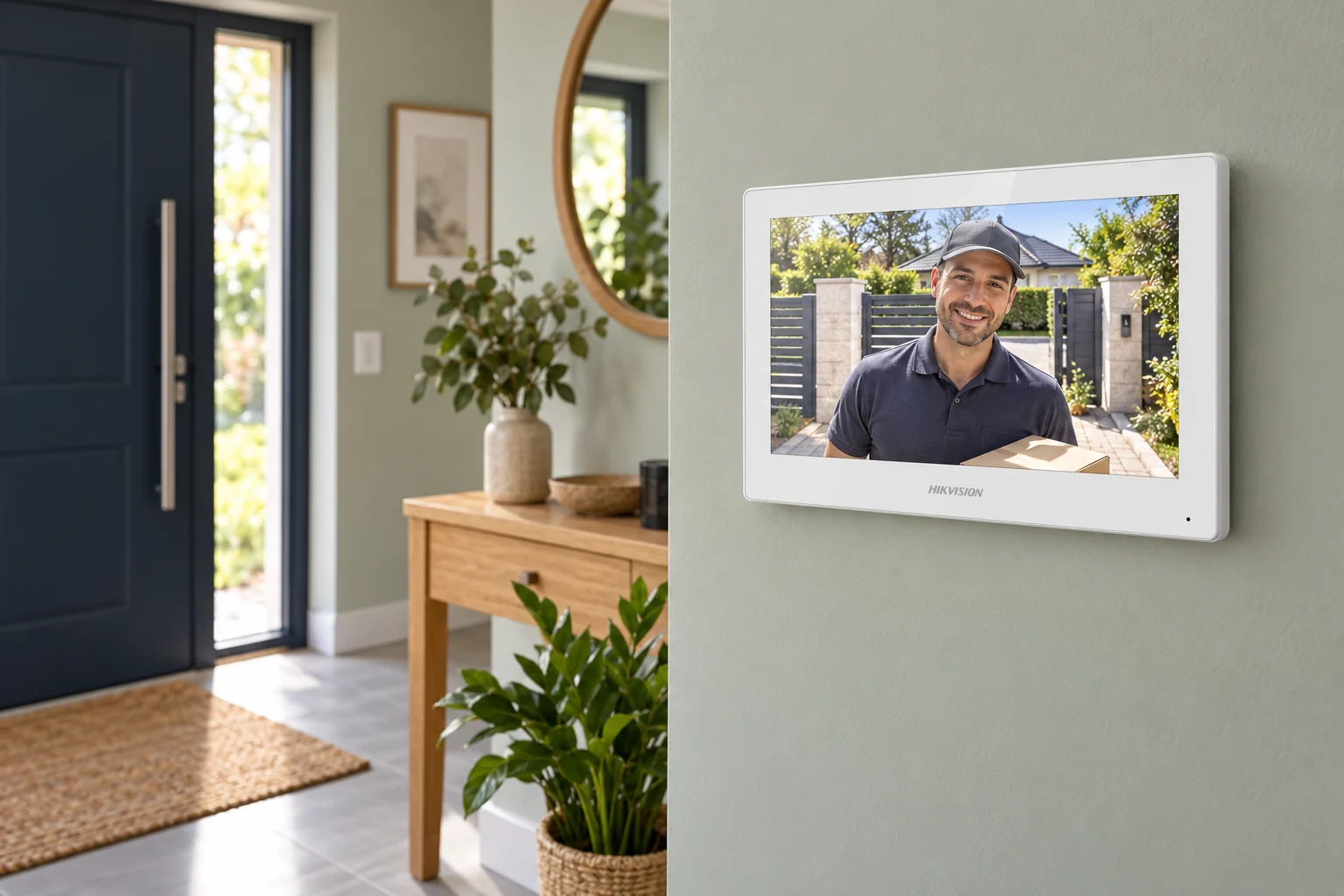
A discreet indoor station near the entrance. Finish and positioning can suit your doors and furnishings.
IP / 2-wire / analogue
We plan Ethernet wiring, door station and monitor power, network connection and lock control. PoE can carry data and power on one cable when devices and switch use the correct standard. Wi-Fi and the app do not replace power; existing two-wire wiring is not automatically Ethernet.
With a supported setup you can answer, talk and release the door in Hik-Connect. Remote functions need configuration, internet and compatible device and app versions. Local communication and mobile functions are checked at handover.
Explore Hikvision systems ↗Entrances, residents, wiring and features determine the design and price.
Send the location and numbers of homes and entrances. Existing device labels help with replacements.
We assess technology, wiring, monitors and door release. The quotation defines the scope of supply.
Timing and scope are agreed for the property. Communication and door release are checked.
We explain everyday controls. Manuals and exact model references help with further support.
No. Devices need power and the wiring specified in the manual. Supported Wi-Fi provides network access; lock wiring and any PoE cabling are planned separately.
No. The comparison distinguishes switch kits from two-adapter kits. Device PoE support does not confirm a switch in the box.
DS-KIS612-P has a numeric keypad. DS-KIS902-S offers PIN and face recognition. An RFID reader on another model does not imply a keypad.
Yes, with a supported configuration. Unit counts, compatibility, network and power are checked for the exact revision. A one-button house kit is not automatically a multi-apartment system.
Official manufacturer documentation. Check the exact model and revision before using a manual.
Send the location, entrances, a wiring photo and your needs for mobile calls, tags or PIN entry. We select the lock, accessories and installation.
Choose a kit with installation ↗Product sources reviewed: